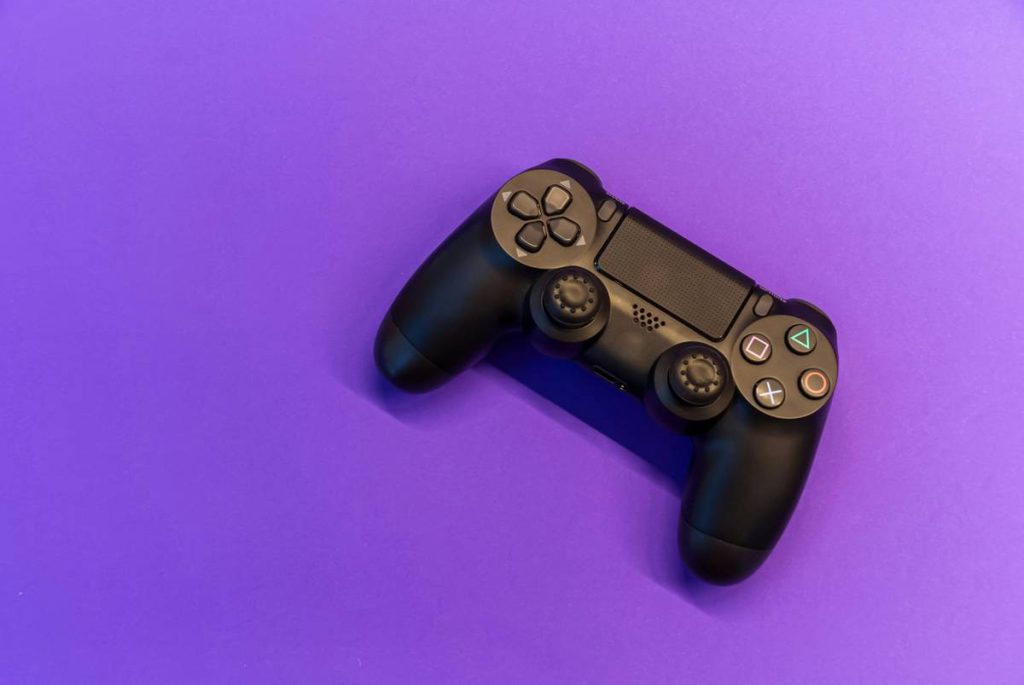
You bought a PS4 controller because it feels perfect in your hands—responsive triggers, textured grips, that iconic layout. Then you plug it into your PC. Nothing happens. Or worse—it connects but stutters like it’s running on dial-up. You’re not alone. Most gamers assume compatibility is plug-and-play. It’s not. And generic drivers butcher latency, input accuracy, and vibration feedback. But here’s the fix: with the right setup, your DualShock 4 can outperform many “PC-native” controllers.
Why Generic Plug-and-Play Fails Miserably
Windows sees your PS4 controller as a generic HID device—not a precision input tool. No native support for six-axis motion, lightbar control, or adaptive triggers (yes, even on older DS4 units via firmware tricks). Steam’s built-in mapping helps, but it adds ~15ms of input lag. That’s death in competitive shooters or racing sims. And forget about button remapping beyond basics—it’s either full Steam Input or nothing. You lose analog stick sensitivity tuning, dead zone calibration, and gyroscope data. Your $60 controller becomes a $20 toy.
Step-by-Step Setup for Low-Latency PS4 Gaming Controller for PC
Forget bloated third-party apps. There’s only one stack that delivers console-grade performance on Windows: DS4Windows + ViGEmBus. Not Steam. Not Bluetooth alone. This combo routes inputs at kernel level—bypassing Windows’ HID bottleneck entirely.
Wired vs. Wireless: The Real Trade-Off
USB gives near-zero latency but tethers you. Bluetooth cuts the cord but introduces variable lag—especially on crowded 2.4GHz bands. For FPS or rhythm games? Go wired. For couch co-op? Wireless works if your dongle supports Bluetooth 4.0+.
Driver Installation: Skip the Bloat
Never use “driver updater” tools. They inject adware and cripple USB polling rates. Download DS4Windows directly from GitHub (Ryochan7’s fork)—it bundles ViGEmBus silently during install. One exe. No toolbars. No registry junk.
Profile Tuning: Where Pros Win
Default profiles waste the DS4’s potential. Crank down the dead zones to 0.08 for sticks—anything higher blurs fine movements. Set trigger threshold to 0.15 so light presses register instantly. And disable the lightbar; it drains battery and serves zero purpose on PC.
| Connection Method | Avg. Input Lag | Battery Impact | Feature Support |
|---|---|---|---|
| Steam Input (Bluetooth) | 18–25 ms | High | Limited (no gyro, basic rumble) |
| DS4Windows (USB) | 4–6 ms | None | Full (gyro, lightbar, touchpad as mouse) |
| DS4Windows (Bluetooth) | 9–12 ms | Moderate | Full (with latency caveat) |

The Industry Secret: Console Devs Test on PC First
Here’s what Sony won’t tell you: many PS4 exclusives were prototyped using DualShock 4s plugged into Windows machines running custom middleware. Why? Because the DS4’s analog fidelity surpasses Xbox’s digital d-pad and shallow triggers. But they relied on proprietary SDKs that never shipped to consumers. DS4Windows reverse-engineered those protocols. If you’re playing Elden Ring or Cyberpunk 2077 with keyboard and mouse “for accuracy,” you’re missing nuanced combat layers—like directional roll evasion triggered by stick tilt angle. That data lives in the DS4’s sensors. On PC, only DS4Windows unlocks it.
And no, buying an official Sony wireless adapter won’t help. It’s just a Bluetooth 2.1 dongle masquerading as premium gear—adds cost, zero performance gain over a $5 generic BT 5.0 key.

FAQ
Can I use a PS4 controller on PC without extra software?
Technically yes—but with severe limitations. Windows recognizes basic button input over USB, but no analog triggers, gyro, or vibration. Expect stutter in fast-paced games.
Does DS4Windows work with all games?
Yes. It emulates an Xbox 360 controller—the universal standard for PC games. Even anti-cheat systems like Easy Anti-Cheat accept it.
Will this void my controller warranty?
No. DS4Windows runs user-side; it doesn’t flash firmware or modify hardware. Sony can’t detect it.